
From Performance to Portability—Here’s What Actually Matters This Year.
From Performance to Portability—Here’s What Actually Matters This Year.
If you’re a student who also loves to game, you’ve probably run into the same struggle as countless others: how do you find a laptop that can power through modern gaming titles and survive a full day of classes, note-taking, and studying? For years, the trade off was brutal—either you lugged around a heavy, overheating beast with a terrible battery life, or you settled for a school-friendly laptop that lagged the moment you opened a game.
The good news? Those days are fading fast. Today’s gaming laptops are more balanced and efficient than ever. Many models pack desktop-level performance into thinner, smarter designs that won’t sound like they are going to kick on the jets and begin making their way down the tarmac or die halfway through a lecture--they’re built for versatility.
To help you find the right fit, we’ve rounded up the best laptops for both gaming and school, along with key factors to consider before choosing one. Whether you’re juggling classwork and competitive play or just want a single device that can do it all, you’re in the right place.
To be chosen as a true 2 in 1 combo, a laptop needs to integrate a blend of performance, portability, and battery life. Here is the criteria that we believe is most important to consider when choosing your gaming/academic laptop.
A discrete GPU (like an NVIDIA RTX series card) is essential for gaming. Pair that with a fast CPU for multitasking, classroom apps, and general performance.
16 GB of RAM is the sweet spot, and an SSD (512 GB or more) keeps your system fast and responsive. Obtaining a laptop with 16 GB of RAM is critical especially with large game files and school documents.
Here you aren’t going to want anything too bulky nor do you want a small screen that limits your ability to hit your shots from range. Since you’ll be carrying it between classes, something in the 14″–16″ range is ideal.
Gaming laptops generally aren’t considered battery kings, but many now include efficiency modes so you can take notes in class without being plugged in, this could be especially worth looking into.
Without good thermals, performance tanks fast and nobody wants fans that sound like a Boeing 747 taking off from the tarmac during a lecture…that’s just embarrassing.
Without further ado, here are our expertly chosen picks for all our fellow nerds out there. These picks stand out for their performance, portability, and value. Whether you’re on a tight budget or want premium power, there’s something here for you.
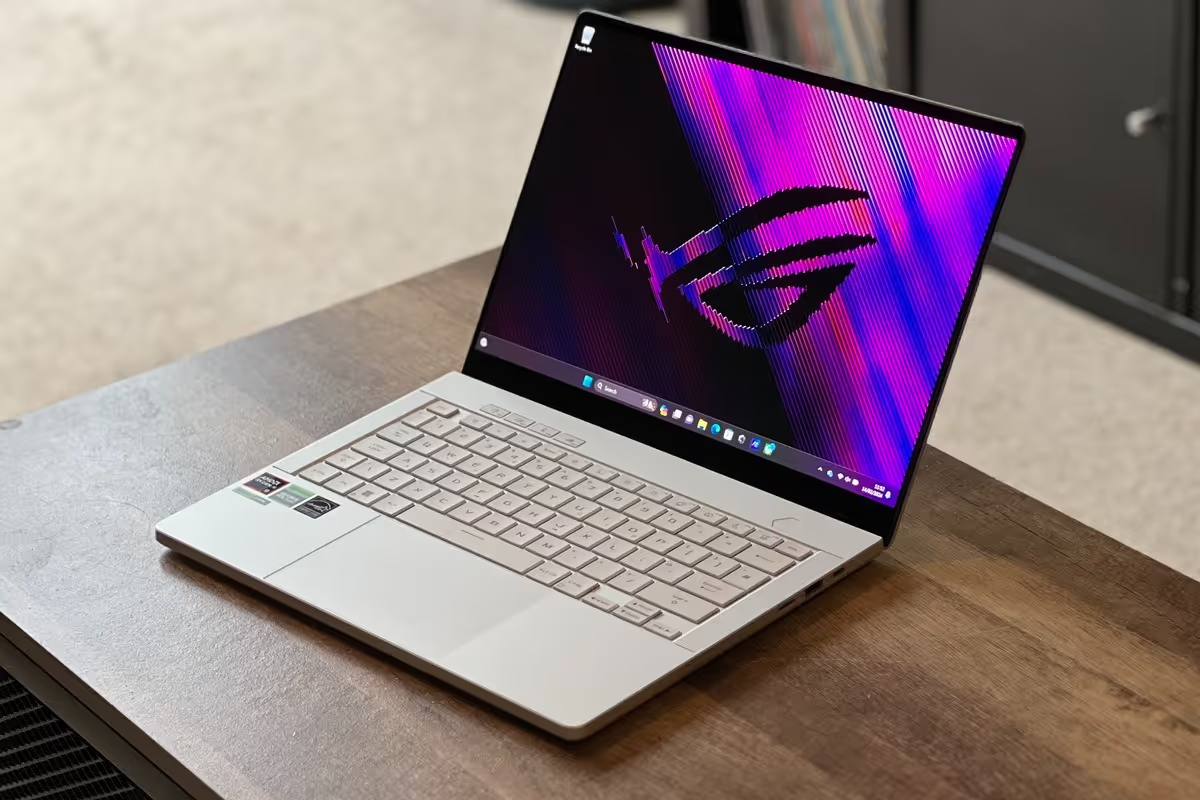
Why it’s great:
The Zephyrus G14 remains a favorite among students: it’s compact, lightweight, and surprisingly powerful for its 14″ size. Whether you're grinding assignments or jumping into an online match, it handles both with ease.
Ideal for:
Students who need something extremely portable without sacrificing power.
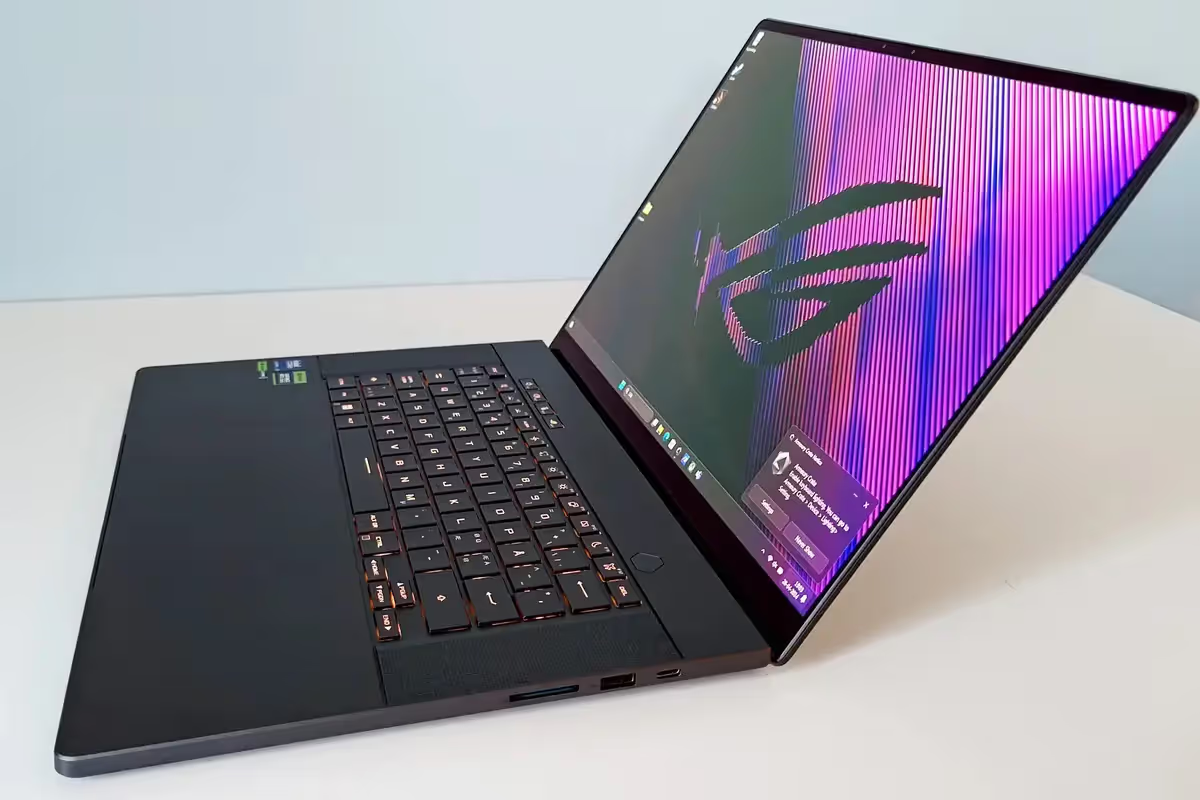
If you prefer a roomier 16″ display for multitasking or entertainment, the G16 offers a gorgeous high-refresh panel and strong internals. Despite being larger, it’s still impressively lightweight for a gaming machine.
Ideal for:3
Students who want a great all-around laptop with premium display quality.
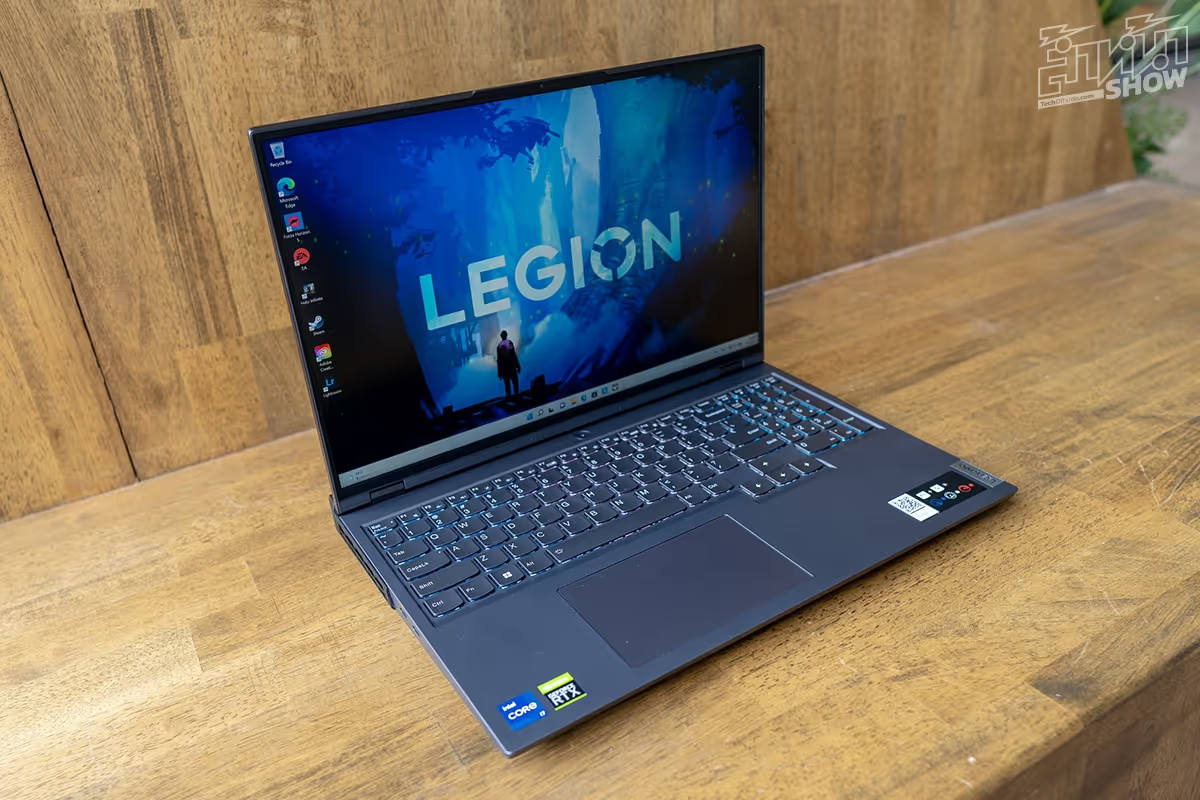
Lenovo’s Legion series consistently scores high for comfort, cooling, and reliability. The Legion 5i handles demanding games and heavy academic software while still maintaining excellent thermal performance and a great keyboard.
Ideal for:
Gamers who also use resource-intensive apps like Photoshop, Unity, or statistical tools.
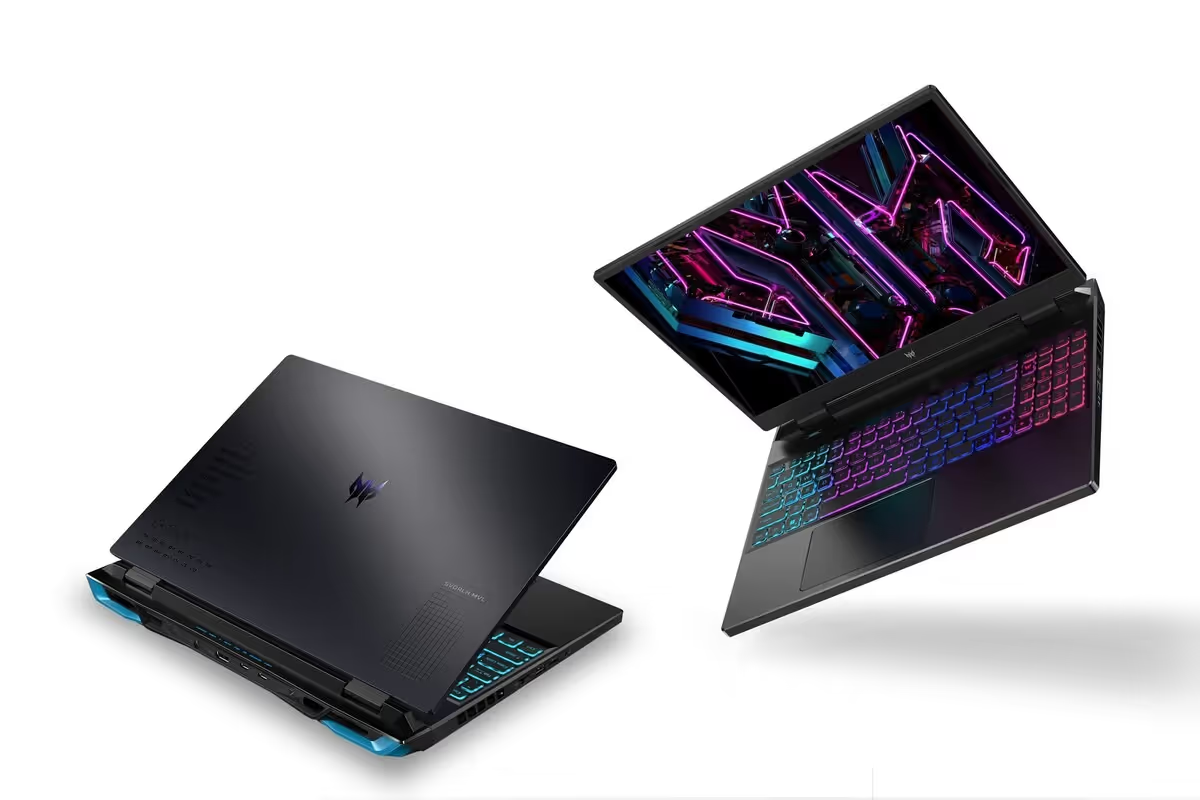
This model brings a premium feel with a fast display and strong GPU options. It’s built for students who want a machine that feels high-end and can tackle competitive games without breaking a sweat.
Ideal for:
Those who want a luxe, powerful laptop for both work and play.
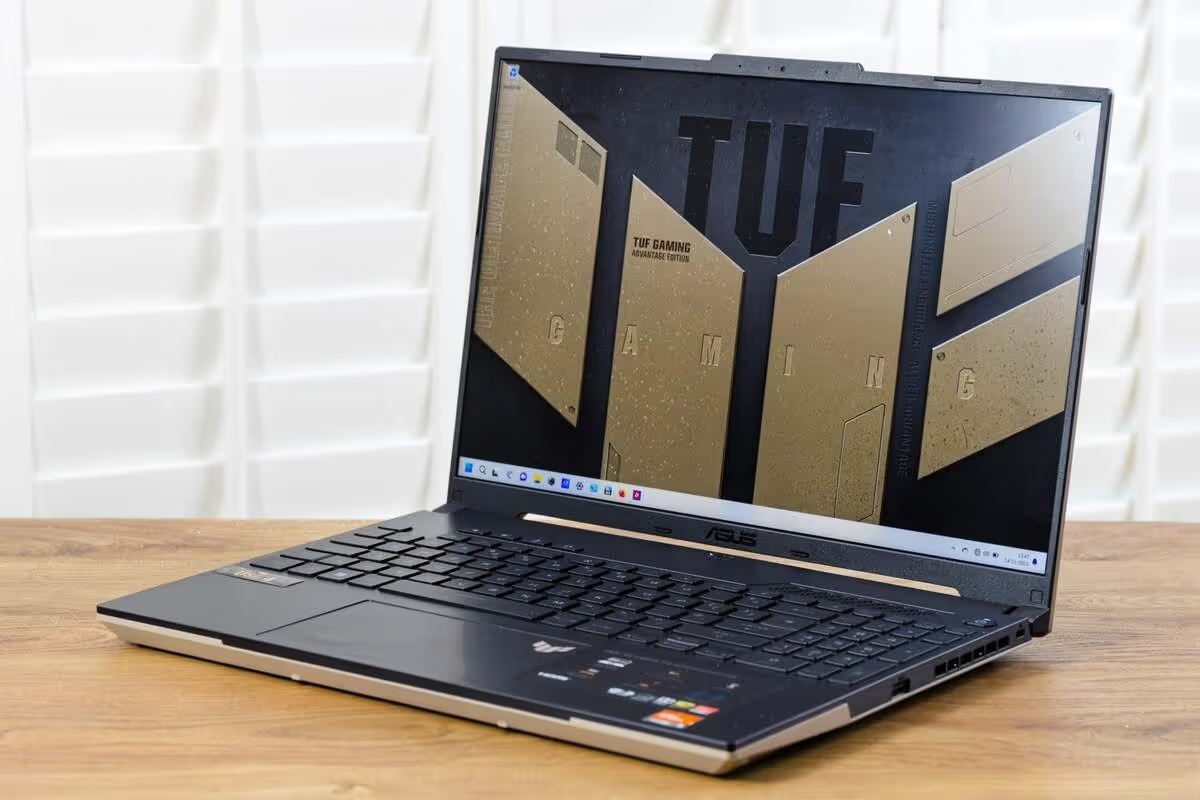
The TUF lineup is known for rugged durability, perfect if you’re known as the person that’s always throwing your laptop in your bag every day, or just generally have bad luck when it comes to long lasting technology. Despite the lower price, it still packs enough GPU power for gaming and offers great value.
Ideal for:
Students who want something sturdy, affordable, and dependable.
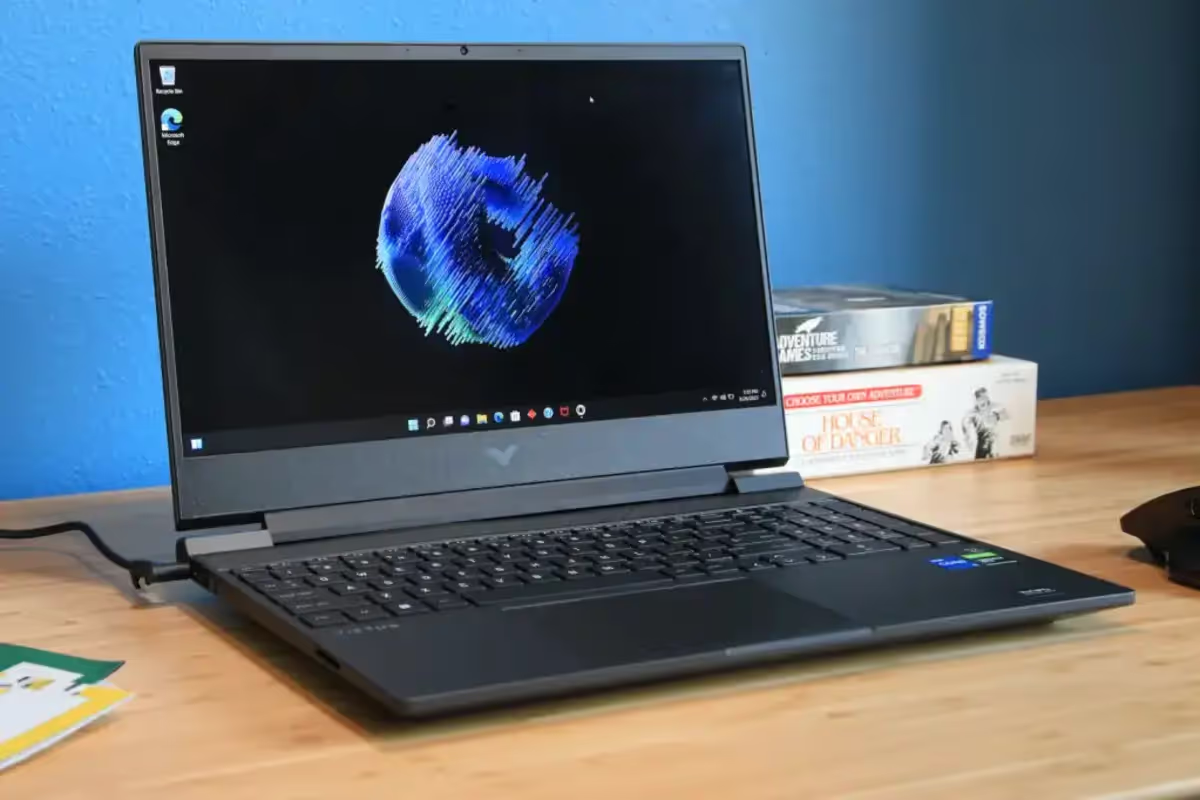
If you're budget-conscious but still want real gaming performance, the HP Victus 15 is one of the best entry-level choices. It runs modern games at solid settings and has enough power for everyday schoolwork.
Ideal for:
Students who want gaming performance without paying premium prices.
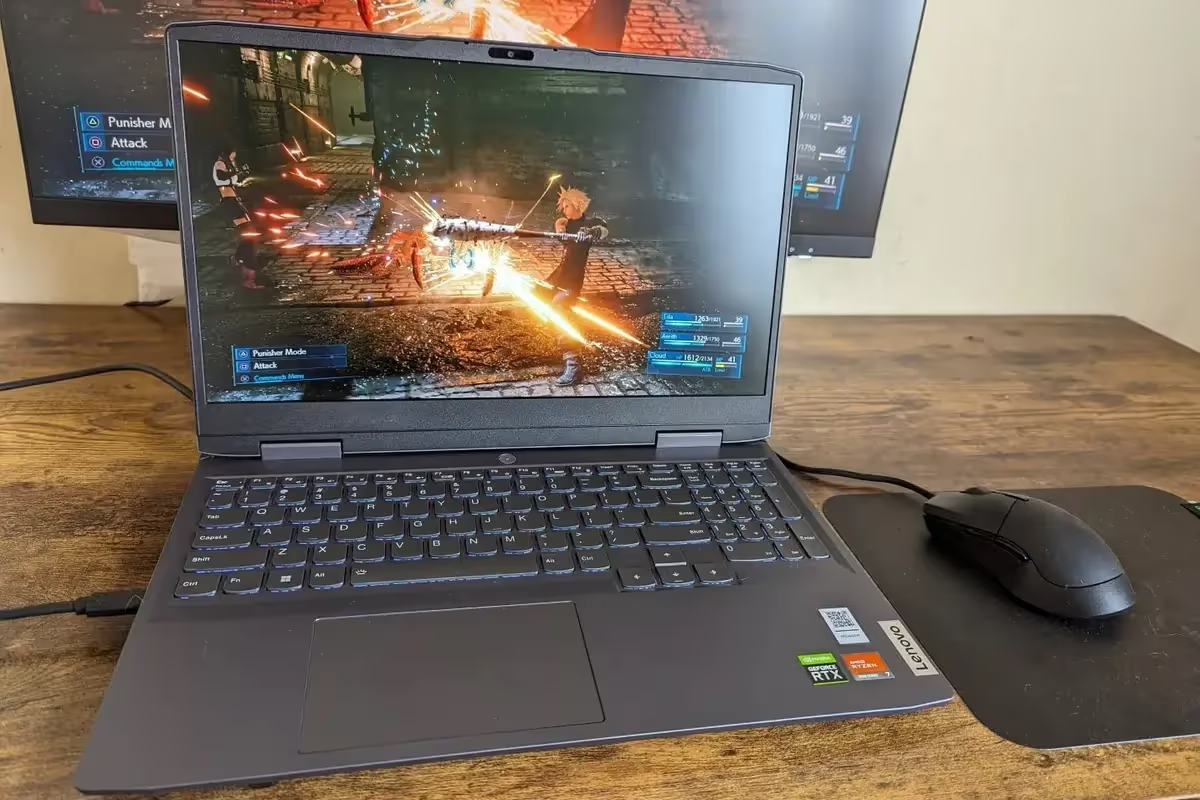
The LOQ models are designed for gamers who need strong performance without stepping into the premium price range. With good multitasking ability and a comfortable keyboard, it’s great for long essay nights and long gaming nights.
Ideal for:
Students who want balanced performance at a mid-range price.
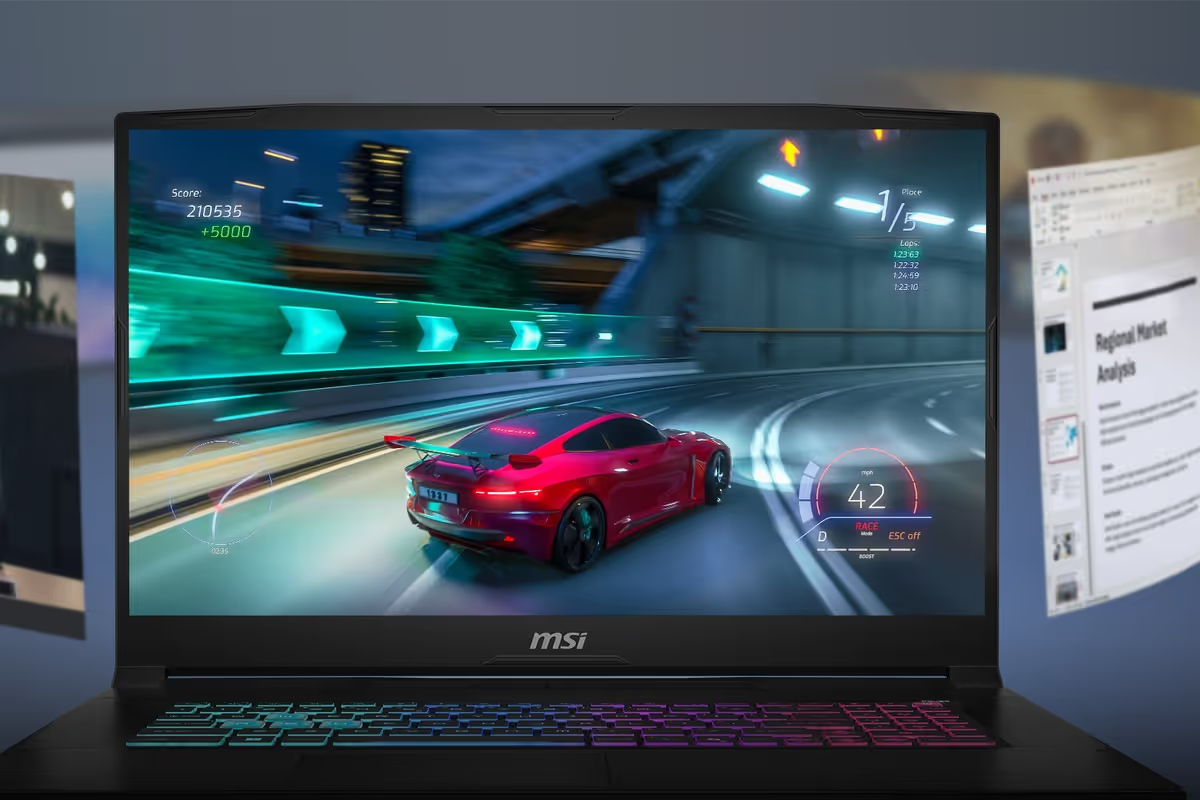
With high-end components and strong gaming performance, this laptop is great for students who also dabble in video editing, 3D modeling, coding, or creative work in addition to gaming.
Ideal for:
Gamers, creators, and tech students who need serious horsepower.
A few more laptops frequently recommended by tech experts and gamers alike:
Now hold your horses! Before you clicking “add to cart,” consider the following:
Gaming laptops range from $600 to $3000+. Narrow your price first.
FPS titles like Valorant or Fortnite need a high-refresh screen; cinematic games like Cyberpunk need more GPU power. It’s very important to keep in mind that most gaming laptops will struggle to run the larger games that require more power; this is why we’ve put together a list of 6 quality games that you can run without your laptop sounding like a jet is about to take off—check it out here.
If it’s daily, prioritize something lighter than 5 lbs.
STEM majors generally need more RAM and CPU power.
Finding a laptop that handles both gaming and school used to feel like searching for a unicorn—something powerful enough to run demanding titles yet portable, quiet, and efficient enough for academic life. But as we’ve seen, 2025’s lineup of hybrid gaming machines is the best it’s ever been.
Ultimately, the “best” laptop comes down to how you plan to use it. Maybe you want something thin and understated that still packs a punch during late-night gaming sessions. Maybe you need a machine with enough GPU strength to run design or engineering software just as smoothly as your favorite open-world RPG. Or maybe you’re looking for the best value possible without sacrificing the features that matter most. No matter your priorities, the good news is that there’s now a device built for every kind of student-gamer.


